
AI for sales and CRM from first inquiry to follow-up.
Astra Applications sets up AI workflows for sales teams and owner-sellers in Fort Wayne and Northeast Indiana: lead intake, meeting prep, follow-up drafts and CRM upkeep. The aim is less time spent on research, notes and data entry, and records that are easier to keep current. A salesperson approves every outbound message and every change to a deal stage.
The problem we solve
Leads wait for a reply, meeting notes never reach the CRM and follow-ups slip. Often the software is fine; the trouble is that keeping it updated is a chore nobody has time for.
- Small and mid-size sales teams using a CRM inconsistently
- Owners who sell and cannot keep up with follow-up
- Sales managers who need reliable pipeline data
Where it earns its place
- Workflow 01
Lead intake and qualification
- When
- A web form or email inquiry arrives.
- What happens
- AI summarizes the inquiry, adds public company information and drafts a first response.
- Human review
- A salesperson approves the response and qualification before it is sent.
- Workflow 02
Meeting prep and notes
- When
- A discovery meeting is on the calendar.
- What happens
- AI assembles a prep brief from CRM history and public sources, then turns meeting notes into structured fields afterward.
- Human review
- The salesperson confirms the notes before they update the record.
- Workflow 03
Follow-through and CRM hygiene
- When
- Deals go quiet or records lack next steps.
- What happens
- AI drafts follow-up emails and flags stale deals or missing fields for weekly review.
- Human review
- The deal owner sends or adjusts follow-ups and resolves flags.
How one task flows
Illustrative example, not a client result. This scenario shows the shape of the work. It does not describe a real client, deployment or outcome.
- Web inquiry
- Call notes
- Account context
- Suggested next step
- Contact fields
- Meeting summary
- Follow-up task
ScenarioA commercial services firm receives a web inquiry at 9 p.m.
- 1. Input
Form: "Facilities manager, 3 locations, need quotes for Q1, prefer email."
- 2. Steps
- The workflow creates a lead and summarizes the request.
- It adds public company details and suggests a qualification score with reasons.
- It drafts a reply proposing two meeting times.
- 3. Example output
A CRM lead with summary and a draft email waiting for approval.
- 4. Review point
At 8 a.m., the salesperson edits and sends the reply and confirms the score.
Implementation deliverables
- 01Sales process map and CRM field review
- 02Lead intake workflow with response drafts
- 03Meeting prep and note-to-CRM workflows
- 04Stale deal and data quality reports
- 05Sales team training
Client handoff
You own the result. At handoff you receive:
- Workflow documentation
- Prompt and template library for sales
- Admin guide for CRM automation settings
From discovery to rollout
- Phase 01
Discovery
We review your CRM, sales stages and where deals stall.
- Phase 02
Scoped pilot
One or two salespeople use the workflows on live leads.
- Phase 03
Rollout
The team adopts the workflows with training and manager reporting.
- Phase 04
Optional improvement
Optional: tuning templates and adding workflows.
Scope and pricing are set after discovery, based on what you need. Timelines depend on your systems, team availability and pilot findings.
Requirements
- Subscriptions
- Your CRM plan may need to support automation or API access, and AI tools may carry their own fees. Vendor subscriptions are billed by the vendor and are separate from Astra's fee unless your proposal explicitly includes them.
- Access
- CRM admin access and agreement on which records AI may read or update.
- Human review
- No outbound message is sent and no deal stage changes without salesperson approval.
About product capabilities: Many CRMs now include built-in AI features. We check what your CRM already offers before adding anything new.
Related experience and services
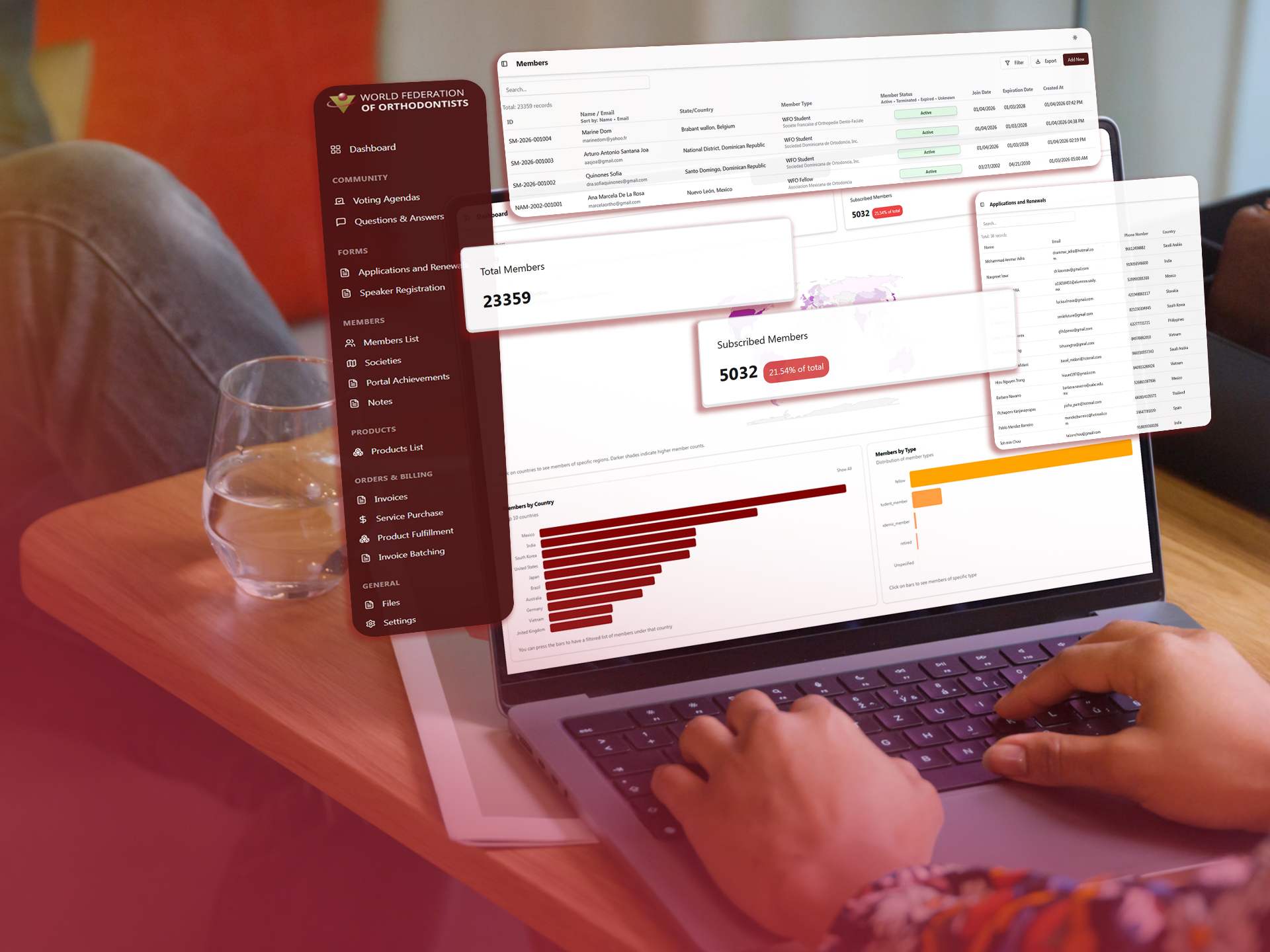
- World Federation of Orthodontists case study
Astra built a member CRM. It is custom software, not an AI sales workflow.
World Federation of Orthodontists. Member records move into a connected CRM instead of disconnected administrative tools.
Common questions
Will this work for a small team?
Yes. We can scope the rollout around one repetitive sales workflow and expand if the pilot proves useful.
How much effort will the sales team give?
Salespeople take part in the pilot on live leads and attend training. Astra handles setup and documentation.
Does it work with our CRM?
We work with CRMs that offer integrations or APIs. We confirm feasibility in discovery.
What about licensing?
CRM and AI tool fees are billed by those vendors. Our scope and price follow discovery.
Is ongoing support available?
Optional ongoing improvement covers template tuning and new workflows.
We help your business put AI to work.
Serving Fort Wayne and Northeast Indiana. Tell us what you are trying to fix, and we will tell you plainly whether this is the right fit.