
Implement Claude Cowork for delegated business work.
Astra Applications sets up Claude Cowork for teams in Fort Wayne and across Northeast Indiana that want to hand off multi-step document, research and operations work. Cowork is Claude's task-running capability, which Anthropic is folding into the main Claude experience plan by plan. We pick the tasks, scope access to apps and files, write your methods as skills and set the points where a person reviews the result.
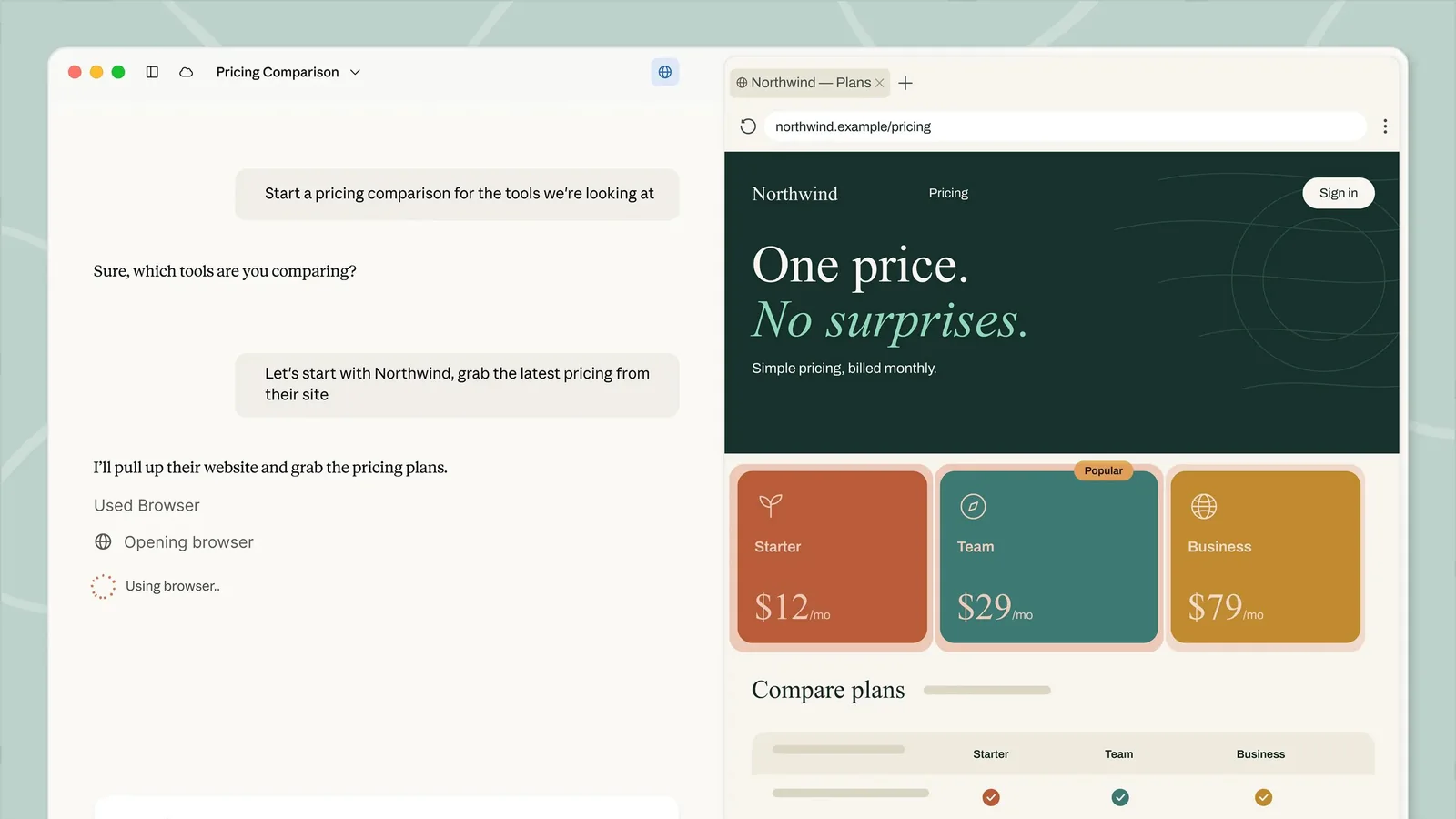
The problem we solve
Delegation works when the task, the inputs and the definition of done are clear. Without that, people either trust the output too much or redo the work themselves. Handing work to Claude takes scoped access, written methods and a habit of review.
- Operations, finance and admin teams with recurring multi-step document work
- Leaders who want staff to delegate research and assembly tasks safely
- Teams on Claude Team or Enterprise plans who have not set up Cowork deliberately
Where it earns its place
- Workflow 01
Monthly vendor document assembly
- When
- Month-end close needs invoices, contracts and notes gathered into one packet.
- What happens
- A skill describes your folder structure, naming and checklist. Cowork collects the files you granted access to, builds the packet and lists anything missing.
- Human review
- Finance confirms totals and missing items before the packet is filed.
- Workflow 02
Background research briefs
- When
- A leader needs context on a prospective partner or a regulation before a meeting.
- What happens
- Cowork gathers sources, drafts a brief in your template and separates statements it can cite from open questions.
- Human review
- The requester checks citations and decides what to rely on.
- Workflow 03
Spreadsheet clean-up and reconciliation
- When
- Two exports from different systems never quite match.
- What happens
- Following a written reconciliation skill, Cowork compares the files, proposes matches and produces an exceptions list.
- Human review
- A person approves each exception before any source system changes.
How one task flows
Illustrative example, not a client result. This scenario shows the shape of the work. It does not describe a real client, deployment or outcome.
- Shared folder
- Connected app files
- Task brief
- Gather and compare
- Assemble documents
- Findings
- Open questions
- Files changed
ScenarioAn operations manager prepares a quarterly insurance renewal packet.
- 1. Input
"Build the Q3 renewal packet from the Insurance folder using our renewal checklist."
- 2. Steps
- Cowork loads the Renewal Packet skill, which lists required documents and naming rules.
- It reads only the shared Insurance folder it was granted.
- It assembles the packet, drafts a cover summary and flags two certificates that have expired.
- 3. Example output
A compiled packet, a one-page summary and a list of two missing or expired items.
- 4. Review point
The manager requests the missing certificates and confirms the summary before sending it to the broker.
Implementation deliverables
- 01A delegation map: which tasks suit Cowork, which stay manual and why
- 02Connected apps and folder access scoped to what each workflow needs
- 03Custom skills that capture your methods, templates and checklists
- 04Three tested delegated workflows with written definitions of done
- 05Team training on briefing, monitoring and reviewing delegated work
Client handoff
You own the result. At handoff you receive:
- Skill library with ownership, version notes and test cases
- Access register listing every connected app and why it is connected
- Review checklist for each workflow
From discovery to rollout
- Phase 01
Discovery
We inventory repetitive knowledge work, current Claude plan and admin settings, and data that must stay out of scope.
- Phase 02
Scoped pilot
Two or three people delegate real tasks with our skills while we refine instructions and review points.
- Phase 03
Rollout
We expand to the wider team with training, an access register and published skills.
- Phase 04
Optional improvement
Optional: new skills, connector reviews and periodic checks as Anthropic updates Claude and its Cowork capabilities.
Scope and pricing are set after discovery, based on what you need. Timelines depend on your systems, team availability and pilot findings.
Requirements
- Subscriptions
- Cowork is included with paid Claude plans. How it appears depends on your plan and admin settings: as its own option next to Chat, or built into Claude where the unified experience has rolled out. Organization and usage controls depend on the plan you choose. Vendor subscriptions are billed by the vendor and are separate from Astra's fee unless your proposal explicitly includes them.
- Access
- An organization admin, plus approval for each app or folder Cowork may reach.
- Human review
- Delegated output is treated as a draft until the named reviewer signs off.
About product capabilities: Anthropic is making Cowork part of the main Claude experience, rolling out by plan. Until it reaches your account or organization, Cowork appears as its own option next to Chat. Either way, it is distinct from Claude Code: Cowork's capabilities cover documents, research and operations tasks, while Claude Code is for software engineering. Connectors, skills and admin controls vary by plan; we verify against Anthropic's current documentation.
Related experience and services
- Fourth Branch case study
Adjacent experience, not a Claude Cowork project. This case study documents custom AI that captures proceedings and turns them into transcripts, summaries and topics; it does not establish a Claude Cowork implementation engagement.
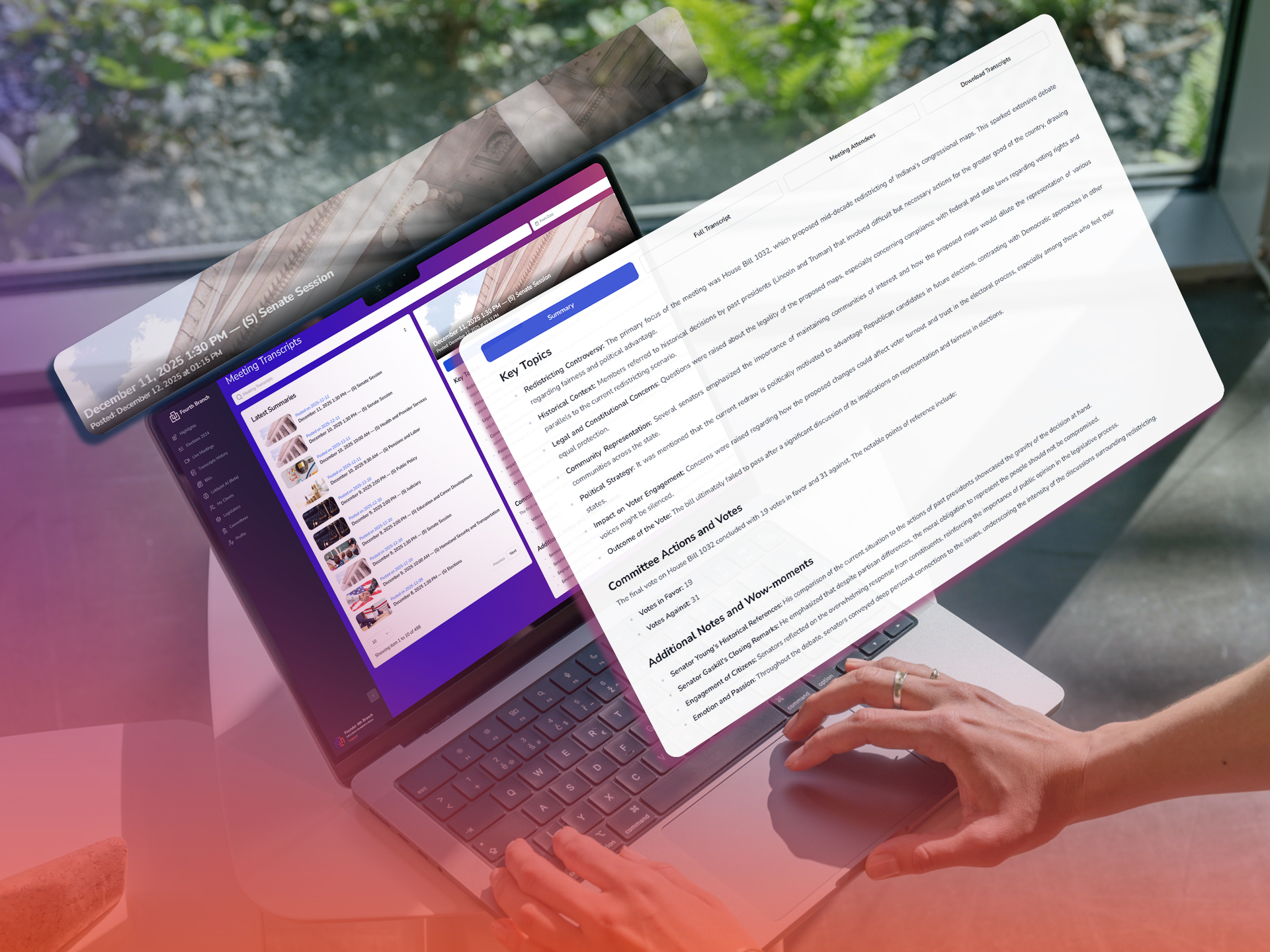
Fourth Branch. Captured proceedings become searchable transcripts, summaries, and topics.
Common questions
How is this different from Claude Code?
Claude Code is for developers working in code repositories. Cowork is for business tasks such as documents, research and operations. See our Claude Code page if your need is engineering.
How much of our time does setup take?
Mostly a process owner explaining how the work is done today, and pilot users trying real tasks. We write the skills and documentation.
Can it work with the apps we already use?
Cowork can use connected apps and files where your plan and admin allow it. We connect only what each workflow requires and document every connection.
What about licensing?
You license Claude from Anthropic. Our fee covers implementation and is scoped after discovery.
What happens after rollout?
Your team owns the skill library and access register. Optional ongoing improvement keeps skills current.
Is Claude Cowork a separate product from Claude?
Anthropic is building Cowork's capabilities into the main Claude experience, rolling out by plan. Where that has happened, you ask Claude and it takes on the task; elsewhere, Cowork appears as its own option next to Chat. Our setup work is the same either way: scoped access, written skills and review steps.
We help your business put AI to work.
Serving Fort Wayne and Northeast Indiana. Tell us what you are trying to fix, and we will tell you plainly whether this is the right fit.